

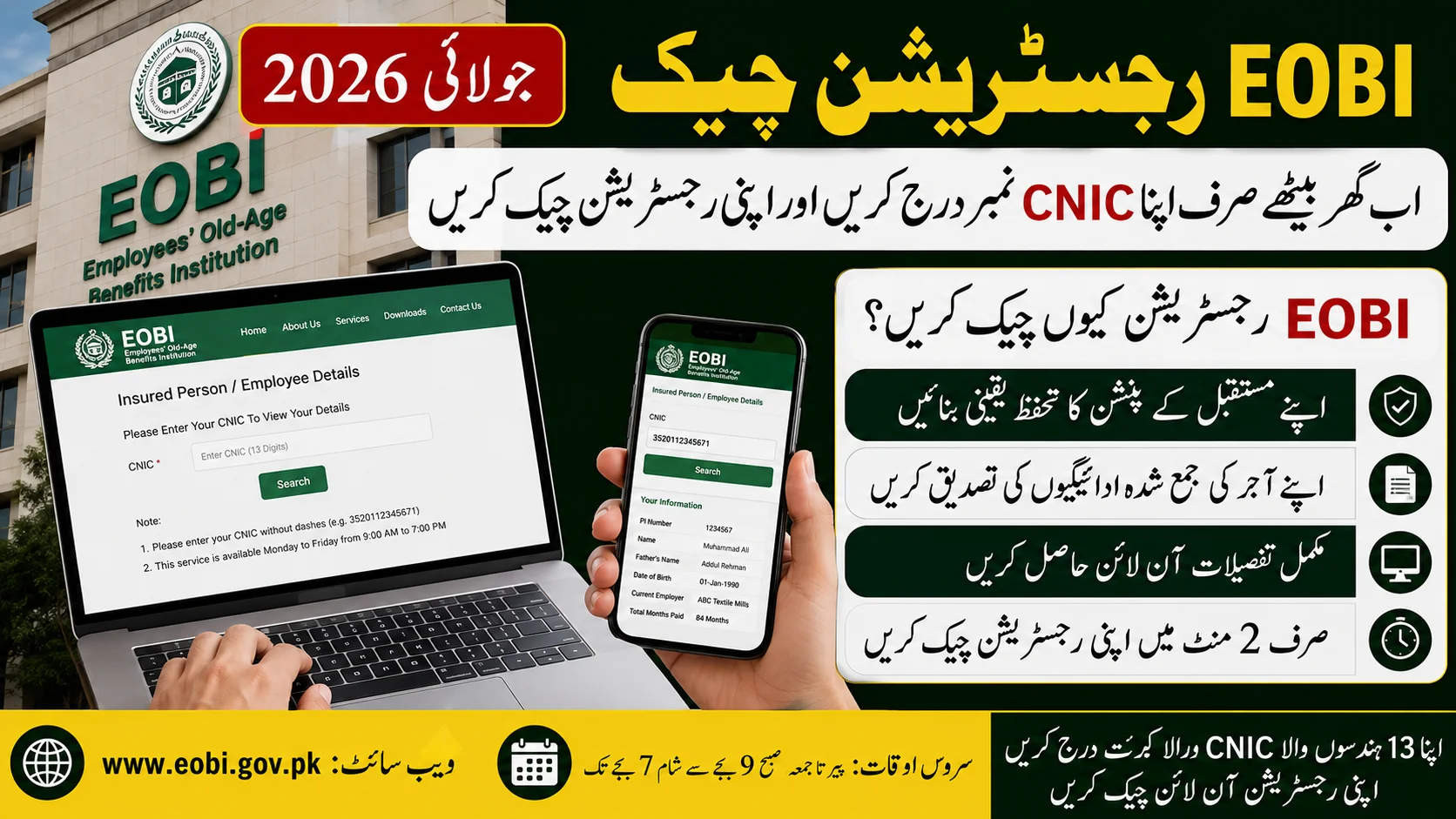
One of the easiest things you can do if you are employed in the private sector in Pakistan is to check your EOBI registration to ensure that your future pension benefits are secured. A lot of employees think that their employer has done the paperwork, but they find out that there is information missing when they actually retire. Taking a minute to review your EOBI status today could save you big trouble down the road.
Below are the steps to check your EOBI registration online in July 2026.
What is EOBI?
Pension and financial assistance to eligible private-sector employees upon retirement is provided by the Employees’ Old-Age Benefits Institution (EOBI), a federal body. Other benefits are also available under EOBI system to registered workers who satisfy the stated conditions.
Employers subject to EOBI will register their eligible employees and make monthly contributions for them.
Check EOBI Registration:
Checking EOBI registration:
- It takes just a few minutes and you don’t pay a registration fee.
- Go to EOBI website and select Employee Information. Fill in the 13 digit CNIC number and click on search.
- When your registration is available, it will show the EOBI record, which will contain the following information: your registered name, your employer’s information, contribution history, and insured person number.
- The online service is typically operating hours.
What information will you see?
Once you enter your CNIC, you might find the following information:
- The number you use when registering yourself for EOBI.
Full name - Employer information
- Contribution record
- After how many months have been made contributions to them? For how many months have they made contributions?
- Details of birth and registration information. Information about birth date and other registered information.
Carefully read these records and ensure that everything is accurate.
Do you have the mobile app?
Yes. EOBI also offers an official Android application.
Upon downloading the app, the user registers using his/her CNIC and registered mobile number. After verification, you can log in and check your contributions and employment record from your smartphone.
Suppose you don’t have your record?
When you don’t get any record in the search result don’t ignore it.
First, speak with your employer/HR and find out if your EOBI registration has been made. If they don’t have the evidence of their registration or payment of contributions, ask them to fix it ASAP.
In case it is not settled, you may go to the nearest EOBI regional office with your original CNIC, appointment letter, salary slips or any other jobs documents. EOBI officials will be able to advise you about record verification or registration.
Why it is essential to know their EOBI status
Making regular checks on your EOBI record ensures that your employer’s contributions are being made correctly. It also enables you to determine how much you need to pay so that you can find out if there are any payments missing early rather than when you submit a claim for retirement benefits.
In the future, maintaining an accurate employment history can mean getting pension benefits and other benefits that you may be entitled to much sooner.
Final thoughts
Validating the EOBI Registration is a hassle-free process that only takes a few minutes to do and can help ensure your financial future. If you work in the private sector, make it a habit to review your contribution record from time to time and immediately report any missing or incorrect information.
In all cases check your own status on the official EOBI website or mobile application and never share your CNIC or personal information on websites or social media pages offering EOBI services (unless they are official).